MAHANAKHON RACING Setting Guide: Controls, Weather & Tips
Dial in your MAHANAKHON RACING setting with every keybind, the weather toggle, startup steps and money tips so your first motorcycle ride goes smoothly.
Jump to
Getting Your Ride Set Up Right
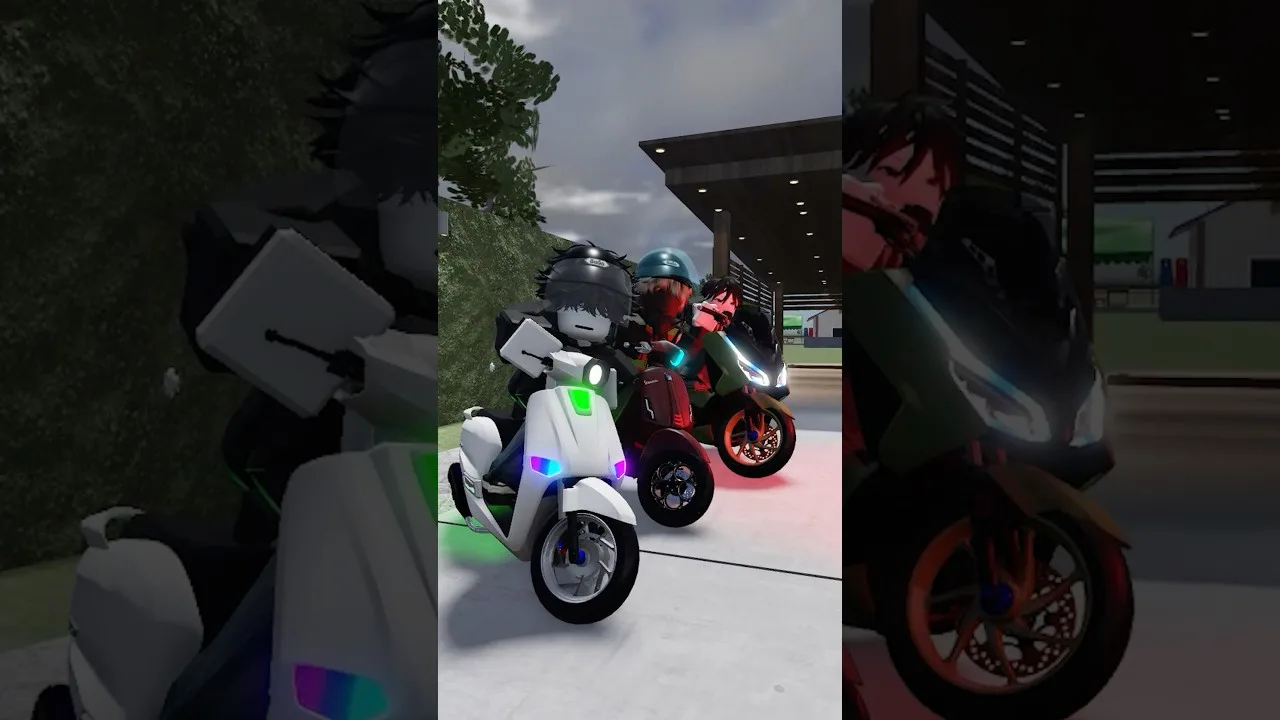
Nothing kills a first session faster than sitting on a bike that won't move because you skipped one key. Getting your MAHANAKHON RACING setting right, from the startup sequence to the weather toggle, turns those confused first minutes into smooth cruising and paid delivery runs. This Roblox motorcycle simulator launched on October 19, 2026, and packs a lot of inputs into the keyboard. Learn them once and the city opens up.
You start with 5,000 in cash and a garage of bikes under the My Ride section, including a classic Vespa-style scooter. Servers hold up to 25 players, so expect company on the streets. You can jump in from the MAHANAKHON RACING page on Roblox.
The Five-Step Startup Sequence
Run these steps in this exact order:
- G – spawn your motorcycle.
- Walk up to it and press E to climb on.
- R – start the engine.
- K – retract the kickstand.
- W – pull away.
If you've hit R and nothing happens when you press W, you almost certainly forgot K. The engine and the stand are separate actions, so don't treat R as the "go" button.
Full Keyboard Controls
Here's every binding in the game, grouped the way you'll actually use them.
| Key | Action | Category |
|---|---|---|
| W | Accelerate | Drive |
| S | Brake (hold while stopped to reverse) | Drive |
| Shift | Brake | Drive |
| A / D | Steer left / right | Drive |
| Ctrl (hold) | Wheelie | Drive |
| Q | Tuck / crouch | Drive |
| Space | Dismount | Drive |
| Z / C | Left / right turn signal | Light & Horn |
| X | Hazard lights | Light & Horn |
| H | Horn | Light & Horn |
| L | Decorative lights | Light & Horn |
| V | Change camera view | Misc |
| M | Mirror | Misc |
| P | Customize bike (at a customization point) | Misc |
| N | Warp | Misc |
| F | Phone | Misc |
| J (hold) | Store your bike | Misc |
| Y | Free camera | Misc |
A few bindings trip people up:
- S does two jobs. Tap it while moving to brake. Come to a full stop, then hold it to reverse. If you aren't going backward, you weren't fully stopped yet.
- Ctrl and Q aren't the same trick. Ctrl pops the wheelie, and Q drops you into a tuck. Practice them separately so you know which one changes your pose.
- Space vs. J. Space just gets you off the seat. Holding J puts the bike away entirely.
- P only works at a customization spot. Pressing it mid-ride won't open anything, so ride to a designated point first.
Recommended In-Game Settings
These are the toggles worth knowing before a long ride.
| Setting | Recommended Value | Why It Helps |
|---|---|---|
| Weather | Sunny (not Automatic) | Keeps the city bright; Automatic lets darker conditions roll in |
| Decorative lights (L) | Toggle with L | Switches the colorful custom lights on and off |
| Camera (V) | Swap until you find your preferred view | Pick whichever angle makes traffic lanes easiest to follow |
| Free camera (Y) | Press Y | A dedicated free camera, separate from the main V view |
| Mirror (M) | Press M | Lets you check your mirrors without changing the main view |
Set the weather to Sunny rather than Automatic if you'd rather keep the streets bright for the whole session.
Fuel, Lag and Other Ride Fixes
- Watch your fuel gauge. It drains as you ride, so plan on refilling before long trips like 1.5 km delivery runs.
- Stuck tire or frozen bike? Lag can leave your wheel stuck or knock you off the bike. Dismount with Space, get back on with E, and run R, K, W again.
- Wrong lane? Stick to the main roads on delivery jobs. Cutting through side paths is an easy way to get turned around.
Jobs and the Phone
Once you can start and stop cleanly, try a job. Food delivery works like this:
- Pick the food delivery job. An on-screen indicator points you to the pickup spot.
- Get off your bike at the marker to put on the uniform.
- Press F to open your phone and check for orders.
- Swipe the order to the right on the phone to accept it. The distance to the drop-off then appears.
- Ride to the destination, dismount, and walk up to the customer to hand over the food.
Also check for completed quests and claim them for cash.
Codes and Money Boosts
Codes are case sensitive, so type them exactly as shown:
| Code | Reward |
|---|---|
| PLAYER10K | 10K Cash |
| LEAKFIX | 2.5K Cash |
| UPDATE | 2.5K Cash |
| BUGFIX | 2.5K Cash |
To redeem them, click the Store button on the left side of the screen, open Codes, enter the code in the ENTER CODE box and hit Redeem. The game's title also advertises the code MAHANAKHON, so try that one too.
If you're willing to spend Robux, there are two passes worth knowing about:
- VIP (199 Robux): Money x1.5, plus your name shown in chat and above your head.
- X2 Money (299 Robux): doubles your earnings.
Stack the free codes first. PLAYER10K alone more than doubles your 5,000 starting cash.
FAQ
How do I reverse my motorcycle?
Stop completely, then hold S. Tapping S while you're moving only brakes.
Why won't my bike move after I start the engine?
The kickstand is still down. Press K after R, then press W.
How do I customize my bike?
Ride to a customization point and press P. The L key only controls decorative lights, not the customization menu.
Can I play with friends?
Yes. Each server fits up to 25 players, so you and your crew can ride the same streets together.
Continue with
 MAHANAKHON RACING Discord: Codes, Community & Server TipsFind the MAHANAKHON RACING Discord, redeem the latest cash codes, and learn where the developers post updates so you never miss a free reward on Roblox.
More in Guide
MAHANAKHON RACING Game Pass Guide: VIP, X2 Money & Prices
Compare every MAHANAKHON RACING game pass, from the 199 Robux VIP to X2 Money, plus cash codes and jobs that stretch your budget before you spend Robux.
MAHANAKHON RACING How to Play: Controls, Jobs & Money Tips
Learn MAHANAKHON RACING how to play on Roblox: every keyboard control, the five-step startup, rider and mechanic jobs, tuning, and codes for free cash.
Continue exploring
Join the community
Official channels for news, updates and player help: